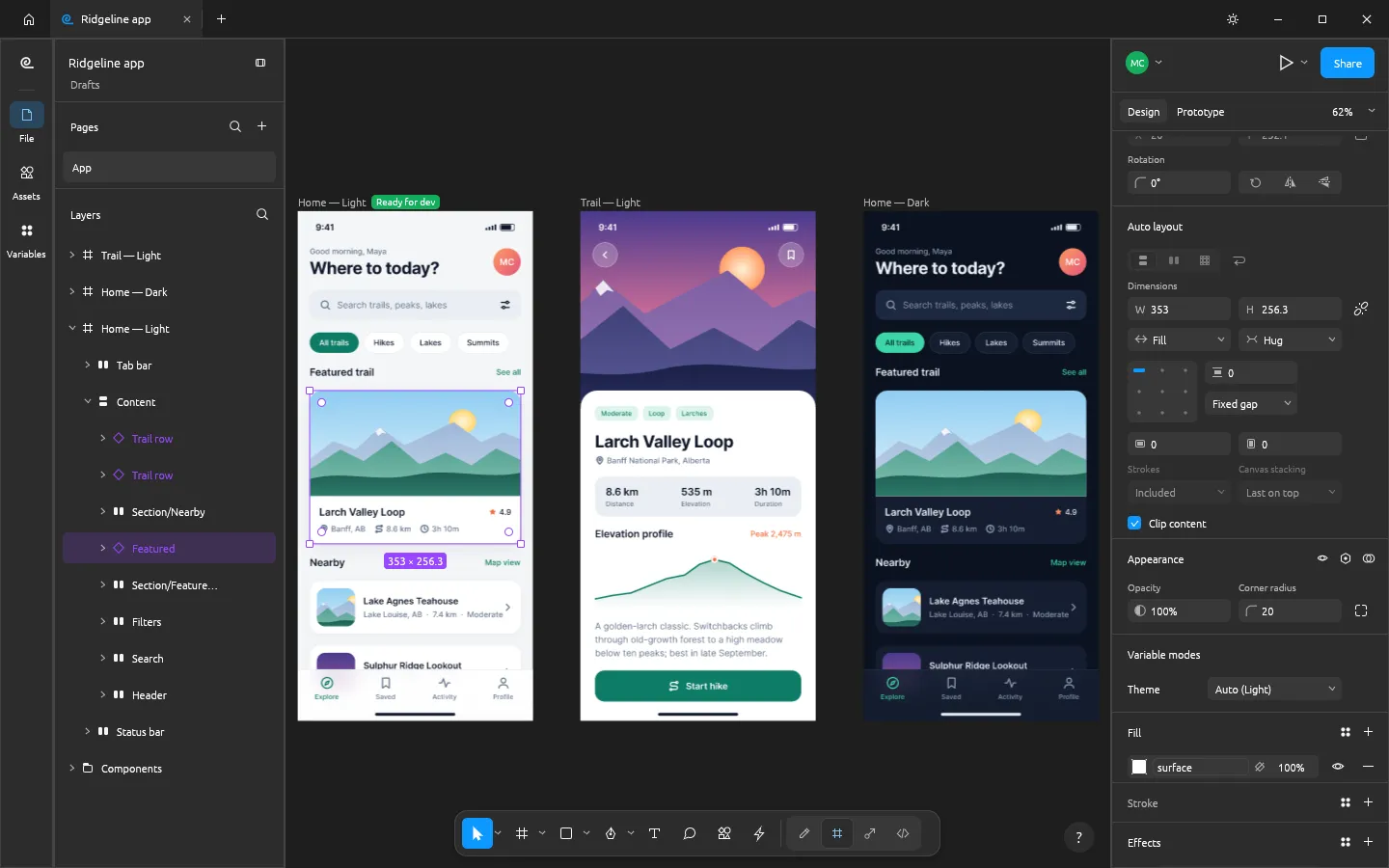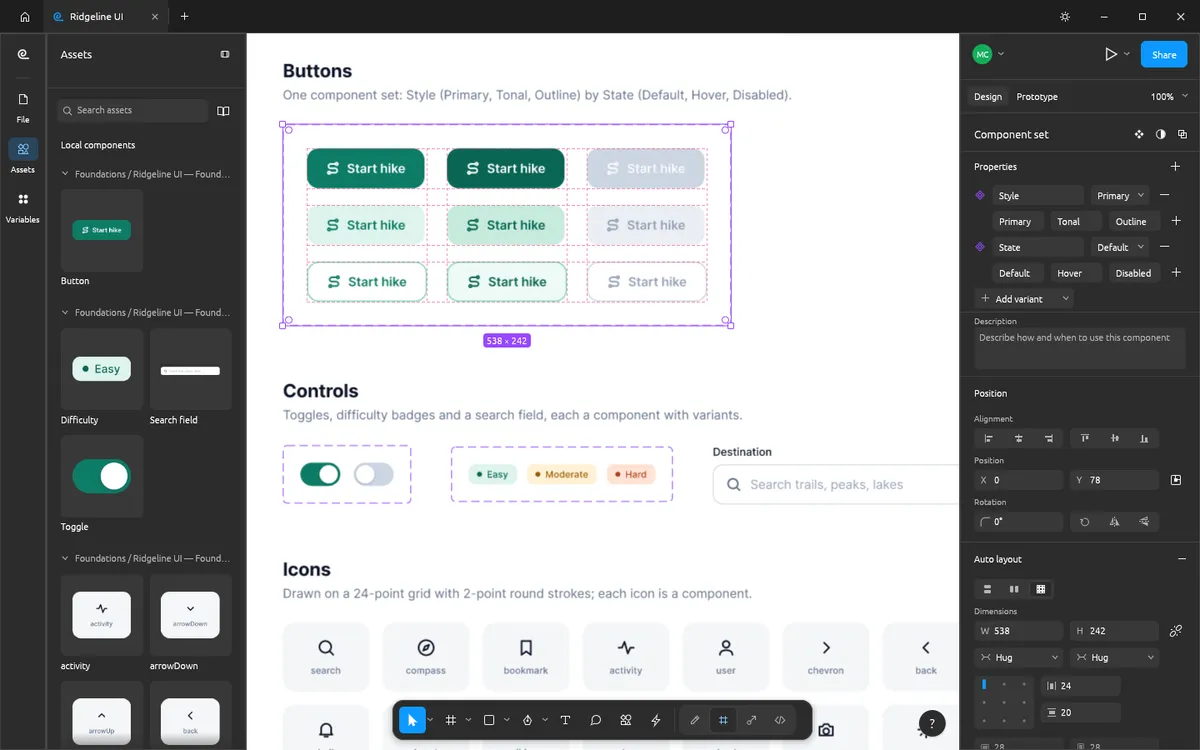
FigCraft was designed so that anything you can click, a script or an AI agent
can do too. The same command registry powers the UI, the figcraft-cli
command-line tool, a JSON control channel and an MCP server. That makes it one
of the few design tools an agent can drive end to end: create layers, run any
menu command, inspect the document as JSON and look at the result as a PNG.
1. Get figcraft-cli
The MCP server is part of the desktop downloads, not the web editor.
- macOS: download
figcraft-cli-<version>-macos-universal.zipfrom the FigCraft downloads and unzip it. - Linux AppImage: the AppImage bundles the CLI —
FigCraft.AppImage cli mcpworks whereverfigcraft-cli mcpappears below. - From source:
cargo build --release -p figcraft-cliand usetarget/release/figcraft-cli.
Use the absolute path to the CLI in the steps below.
2. Connect Claude Code
# Headless: an in-process engine with one untitled document
claude mcp add figcraft -- /path/to/figcraft-cli mcp
Or add it to a project's .mcp.json:
{
  "mcpServers": {
    "figcraft": { "command": "/path/to/figcraft-cli", "args": ["mcp"] }
  }
}
3. Or connect Claude Desktop
Open Settings ▸ Developer ▸ Edit Config and add FigCraft to
claude_desktop_config.json:
{
  "mcpServers": {
    "figcraft": { "command": "/path/to/figcraft-cli", "args": ["mcp"] }
  }
}
4. Watch it design live (attached mode)
Start the desktop app with its loopback-only control channel, then point the MCP server at it:
figcraft --control 7979
claude mcp add figcraft-app -- /path/to/figcraft-cli mcp --attach 7979
Now the agent edits the open document and you see each change in the window.
What agents should know
The FigCraft MCP docs list the conventions in full. The most important:
- Coordinates are page units (1 unit = 1 px at 100% zoom), with y down.
- Children of an auto layout frame are placed by the layout: set
layout,gap,paddingand sizing (fixed,hug,fill) instead of x and y. - Every menu action is a command (
list_commands), and most commands act on the givenidsor else on the selection. - Colours are hex strings such as
"#7048E8".
Headless renders and exports
The same engine works from scripts without MCP:
figcraft-cli render landing.figcraft -o landing.png --scale 2
figcraft-cli export landing.figcraft -o out/ --format svg
figcraft-cli commands --filter autoLayout
For text that renders the same on every machine (for example in CI), start the
server with figcraft-cli mcp --no-system-fonts.
Prefer to design by hand first?
Open FigCraft online to learn the editor in your browser, then bring an agent in once you know what you want to automate.
Questions people ask
Does the FigCraft MCP server work in the browser version?
No. The MCP server is started by figcraft-cli, which is part of the desktop downloads. The web editor on this site is for designing by hand.
Which MCP clients are supported?
Any MCP client that can launch a stdio server. The FigCraft docs give setup steps for Claude Code and Claude Desktop.
Can I watch the agent work?
Yes. Start the app with figcraft --control 7979 and connect the MCP server with --attach 7979: every change appears live in the window.
Try FigCraft right now
The full editor runs in your browser. No install, no account.