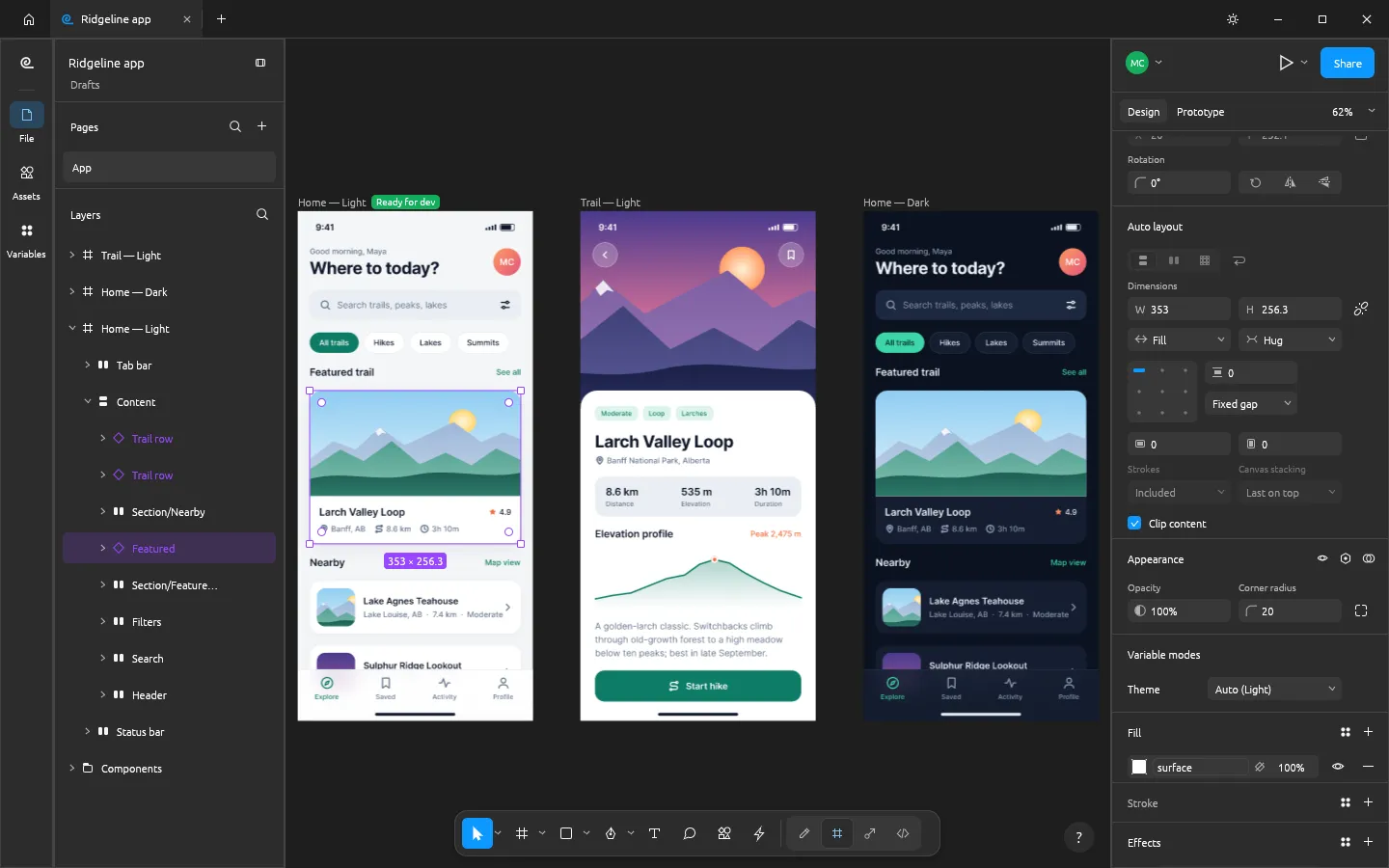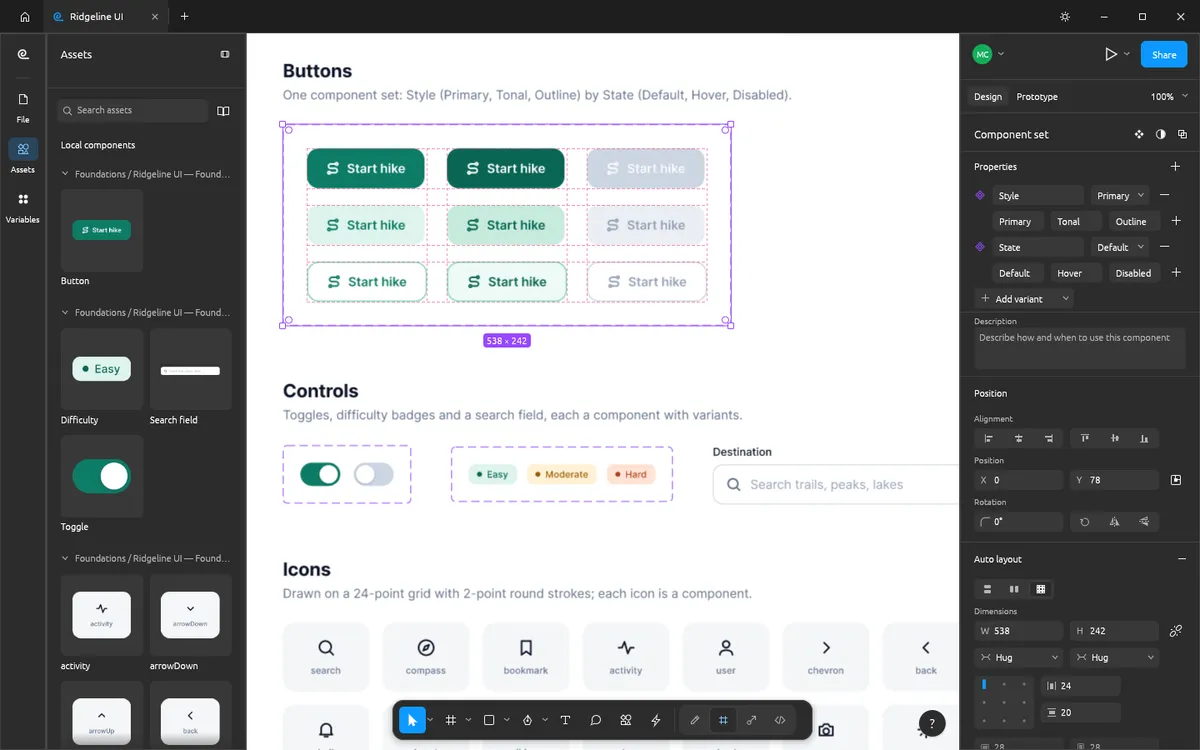
Penpot and FigCraft are both open-source answers to Figma, but they come from opposite directions. Penpot is a web platform built around teams and open standards. FigCraft is a native Rust app that recreates Figma's layout, panels and shortcuts and keeps your files on your own disk.
At a glance
| FigCraft | Penpot | |
|---|---|---|
| Price | Free | Free cloud plan; Unlimited $7/editor/mo; Enterprise $25/member/mo |
| Account | None | Required (cloud or self-hosted) |
| How it runs | Native app (macOS, Windows, Linux, FreeBSD) and in the browser | In the browser |
| Works offline | Yes | No (needs its server) |
| Self-hosting | Optional collaboration server (preview) | Yes, a full platform |
| Feels like Figma | Very close: layout, menus, shortcuts | Its own design, Figma-inspired |
| Team collaboration | Preview | Mature |
| AI agents | MCP server and CLI | MCP server |
| Maturity | Alpha (released October 2026) | Production-ready |
Penpot prices are from penpot.app/pricing, checked on 2026-10-16. FigCraft facts follow its v0.6.0 README.
Choose Penpot if…
- You design as a team and need shared libraries, comments and real-time editing now.
- You want self-hosting of a complete design platform for compliance or data control.
- You need software that is stable today.
Choose FigCraft if…
- You work alone and want a Figma-shaped tool with no subscription and no account.
- You want offline, native performance, including on Linux and FreeBSD.
- You want an AI agent to build or edit screens through MCP or scripts (see FigCraft MCP with Claude).
- You are moving away from Figma and want muscle memory to carry over.
The honest catch
FigCraft is alpha: its authors put it at about 49% of the way to replacing
Figma for real work, and .fig import is best effort. Keep backups and do not
bet client deadlines on it yet.
Try FigCraft in a minute
Open FigCraft online — it runs in your browser, with nothing to install — and compare it with your Penpot workflow on one real screen.
Questions people ask
Are FigCraft and Penpot both free?
FigCraft is entirely free and open source. Penpot is open source too and has a free cloud plan; its paid cloud plans start at $7 per editor per month (penpot.app/pricing, October 2026).
Which one is better for teams?
Penpot. It is a mature, browser-based platform with teams, shared libraries and self-hosting. FigCraft collaboration is still a preview.
Which one works offline?
FigCraft. It is a native desktop app with files on your disk and no account. Penpot runs in the browser against a server (its cloud or one you host).
Try FigCraft right now
The full editor runs in your browser. No install, no account.