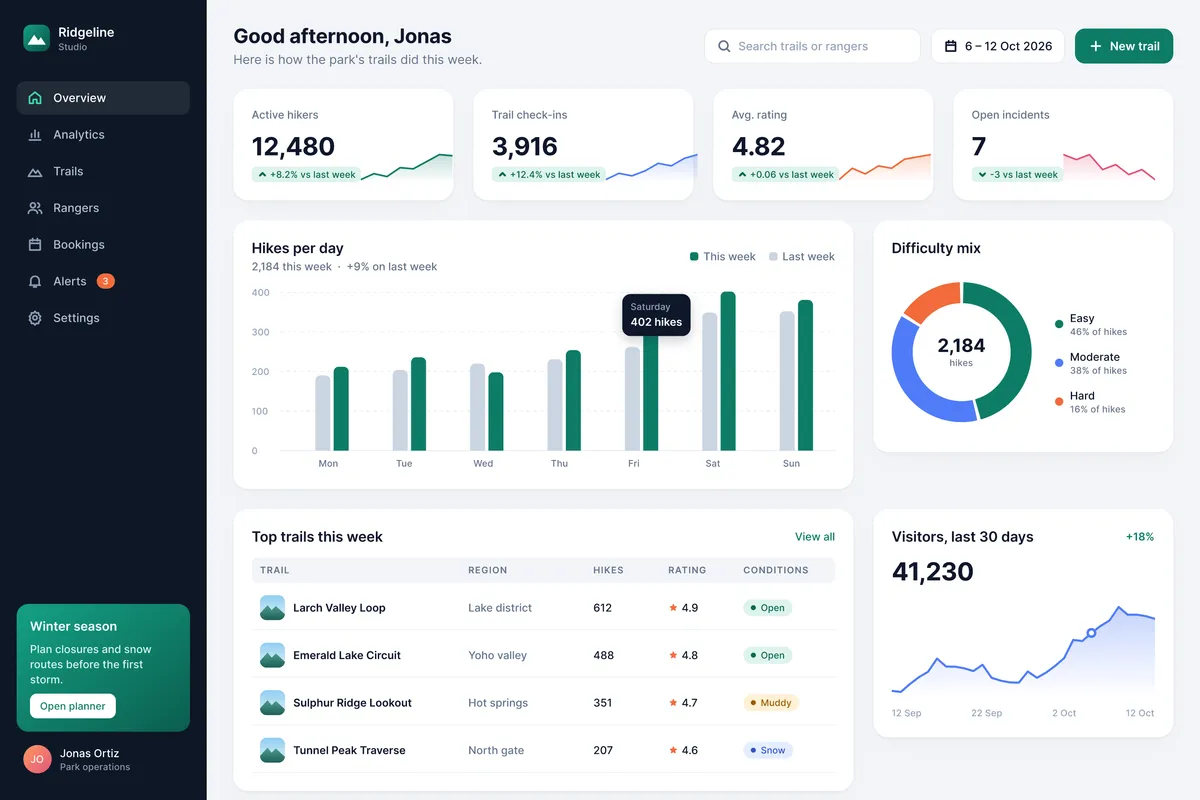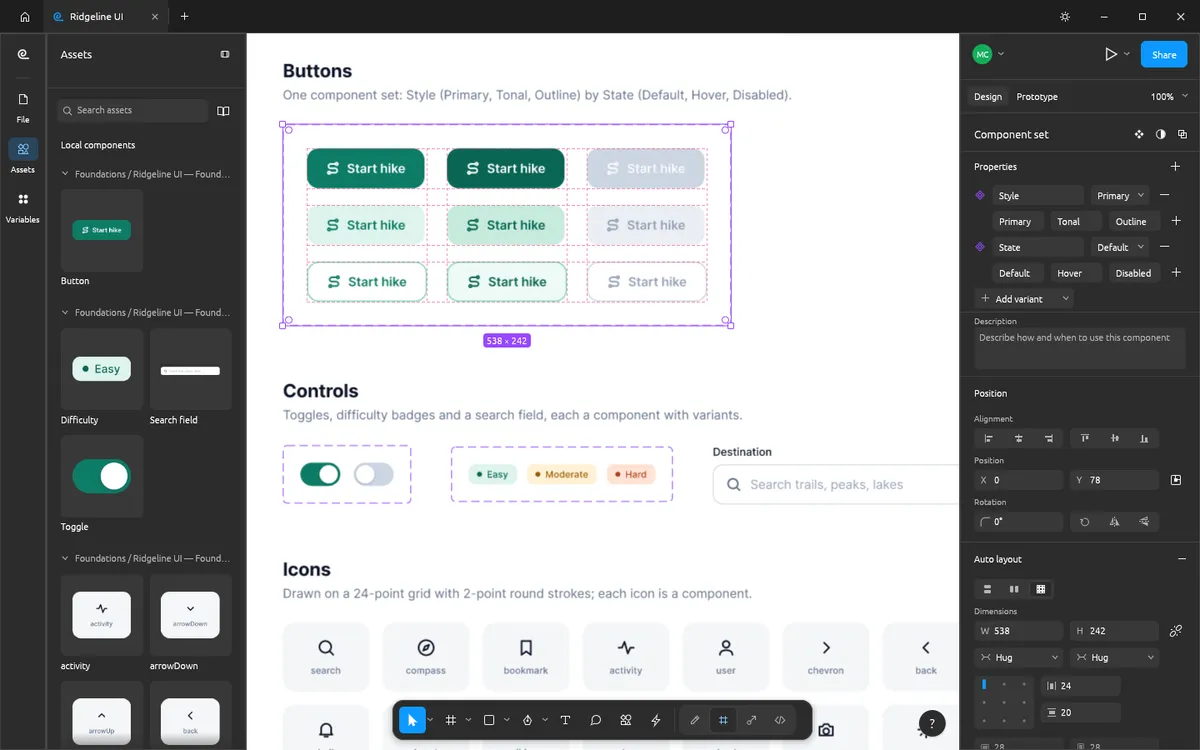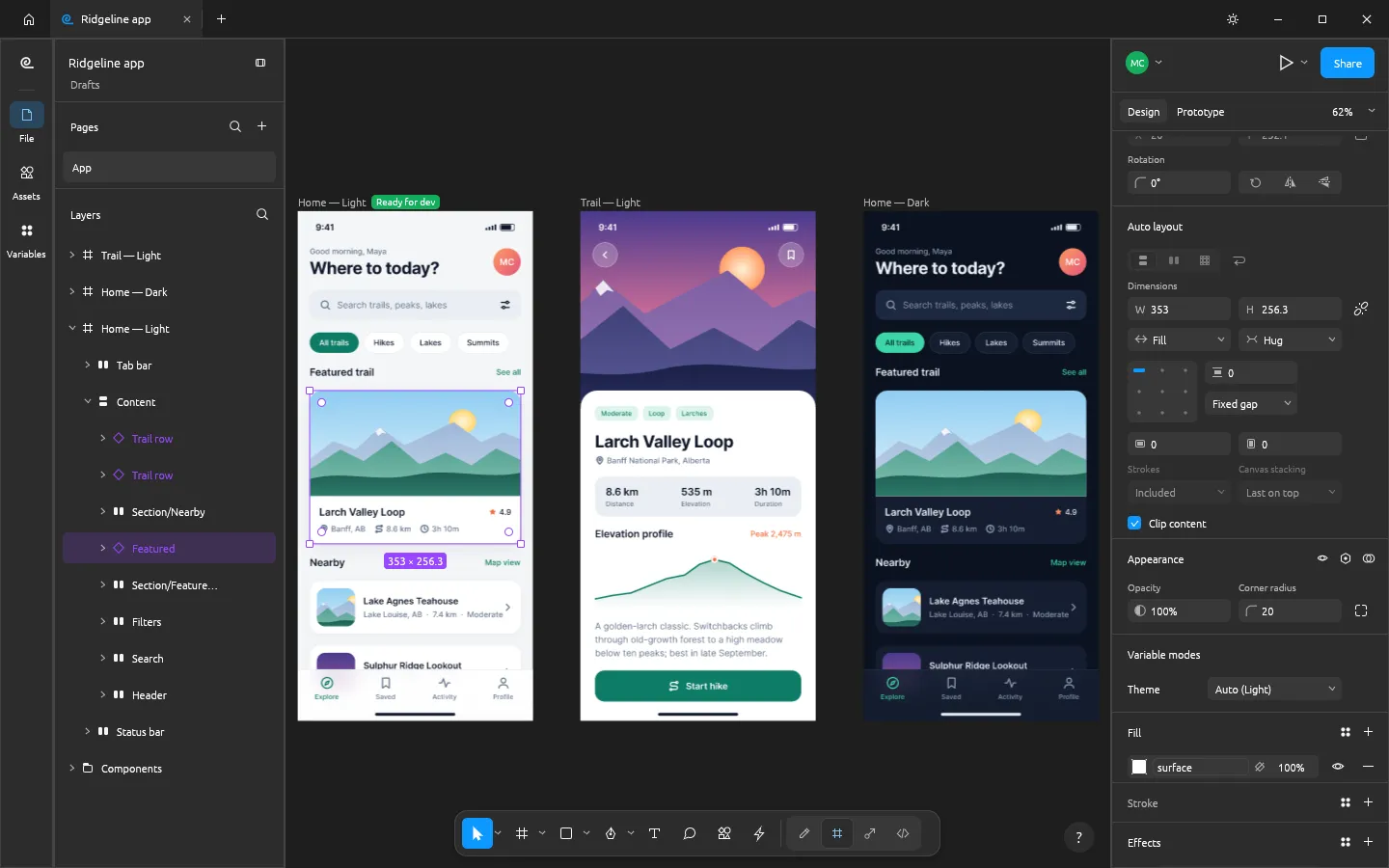
FigCraft is a free, open-source reimplementation of the Figma workflow, written from scratch in Rust by the ArtCraft team. If you already know Figma, the toolbar, layers panel, Design panel, menus and shortcuts will feel familiar. The question is not whether it looks like Figma — it does — but whether it can carry your real work yet.
At a glance
| FigCraft | Figma | |
|---|---|---|
| Price | Free (MIT or Apache-2.0) | Free Starter plan; Professional full seat $16/mo |
| Account | None | Required |
| Where files live | .figcraft files on your disk | Figma's cloud |
| Runs on | macOS, Windows, Linux, FreeBSD, browser | Browser, macOS, Windows |
| Works offline | Yes | Limited |
| Auto layout, components, variants | Yes | Yes |
| Variables with modes | Yes | Yes |
| Prototyping | Yes (connections, Smart Animate-style transitions, conditionals) | Yes |
| Dev Mode | Yes (CSS, SwiftUI, Compose, HTML, React) | Yes (paid seat) |
| Real-time collaboration | Preview (live sessions, self-hosted server) | Mature, built in |
| Plugins | Its own WebAssembly plugins | Large plugin ecosystem |
| AI agents | MCP server and CLI over 400+ commands | Official MCP server and Figma Make |
| Maturity | Alpha | Industry standard |
Prices are from figma.com/pricing, checked on 2026-10-16. FigCraft facts follow its v0.6.0 README and docs.
Where FigCraft is already strong
- No account, no cloud. Files are plain
.figcraftarchives on your own disk, and the app has no telemetry. Nothing leaves your machine unless you choose to share a file. - Speed. It is a native Rust app with no Electron. Its authors report that creating a node in a 20,000-node file takes a fraction of a millisecond.
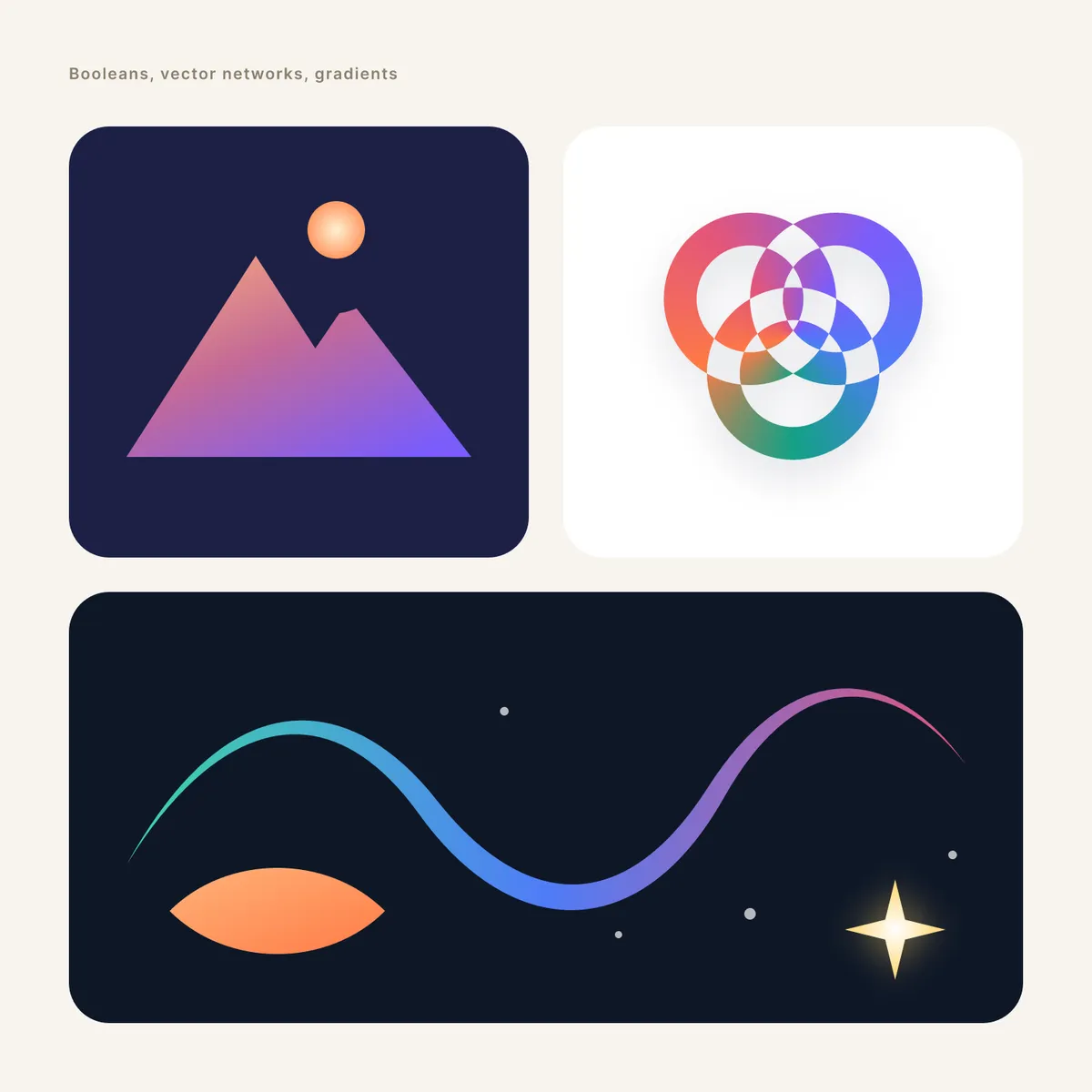
- Core design features. Auto layout in both directions with wrap and grid, component sets with variants and properties, variables with modes (Light and Dark from one set of colours), real vector networks and a full prototype editor.
- Agent-ready. Every menu item and tool is a command, and the desktop CLI ships an MCP server. See FigCraft MCP with Claude.
Where Figma is still ahead
- Team collaboration. FigCraft's live sessions (cursors, selections, cursor chat, spotlight) are a preview with no accounts or teams. Figma's multiplayer, comments, branching and libraries are mature.
- Your existing files.
.figfiles open on a best-effort basis, and the FigCraft team says import has not been checked against real-world files. Read how to open Figma files in FigCraft. - Plugins and community. Figma's plugin and Community file ecosystem has no equivalent yet; FigCraft runs only its own sandboxed plugins.
- Polish. FigCraft is alpha software. Expect rough edges, and save often.
Who should try FigCraft now
- Solo designers and developers who want a Figma-style tool without a subscription or an account.
- Privacy-sensitive work that should not live in a third-party cloud.
- Linux and FreeBSD users, who get a native app.
- Anyone building with AI agents who wants to script a design tool through MCP or a CLI.
Who should stay on Figma for now
Teams that depend on real-time collaboration, shared libraries, Figma plugins
or Community files, and anyone whose client work must round-trip perfectly
through .fig files.
Try both without commitment
FigCraft costs nothing to try: open FigCraft online in this browser tab, or download the desktop app. Rebuild one real screen from your Figma file and you will know within an hour whether it fits.
Questions people ask
Is FigCraft made by Figma?
No. FigCraft is an independent open-source project by the ArtCraft team. Its README says it is not affiliated with, sponsored or endorsed by Figma, Inc., and that it was implemented clean-room from public documentation and observed behaviour.
Can I move my Figma files to FigCraft?
Partly. FigCraft opens .fig files on a best-effort basis and also reads designs exported through the Figma REST API as JSON. Its authors say .fig import has not yet been checked against real-world files, so keep your originals.
Do Figma plugins work in FigCraft?
No. FigCraft has its own sandboxed WebAssembly plugin system; plugins written for Figma do not run in it.
Is FigCraft really free?
Yes. FigCraft is free, open-source software under the MIT or Apache-2.0 licence, with no account and no subscription.
Try FigCraft right now
The full editor runs in your browser. No install, no account.