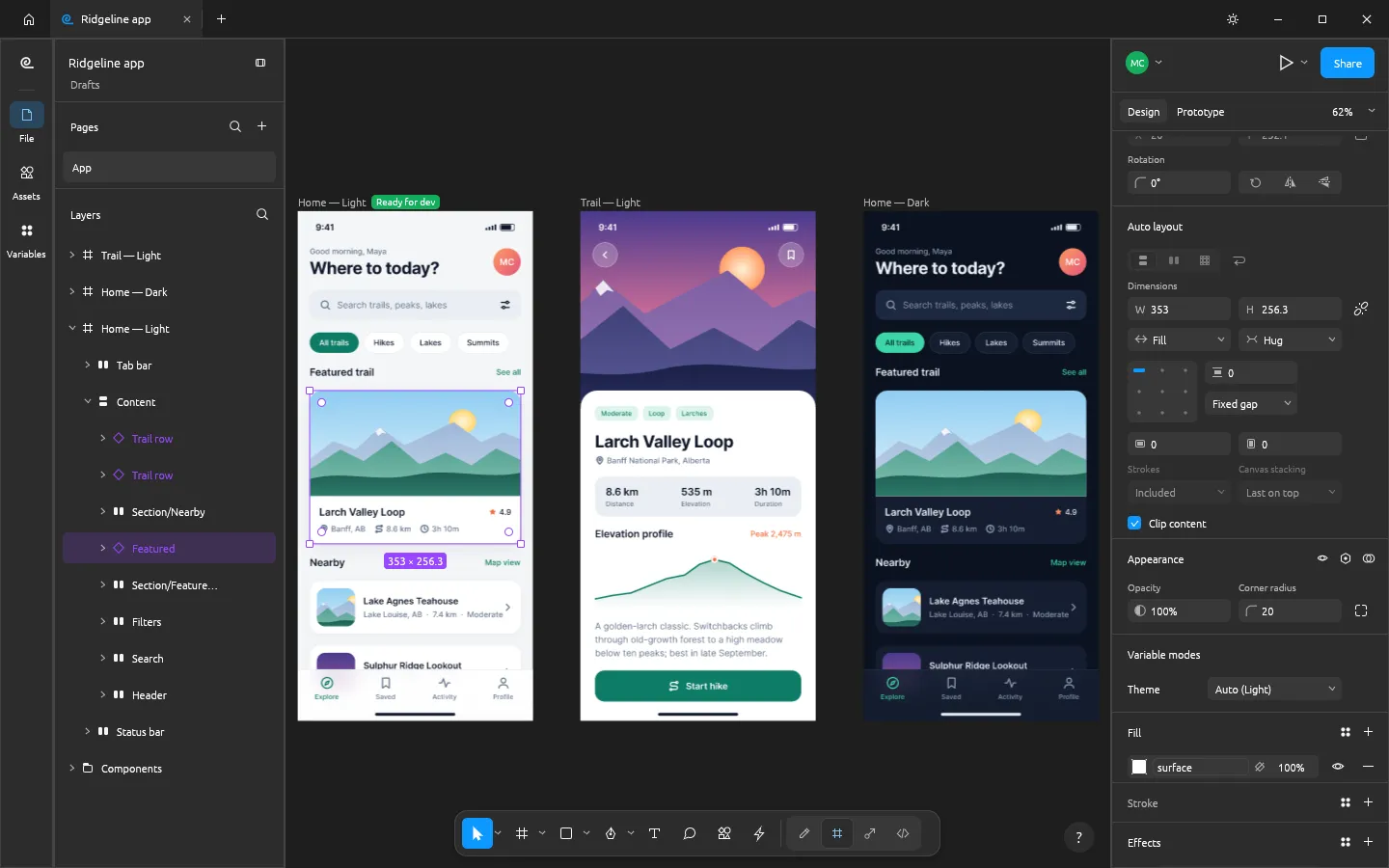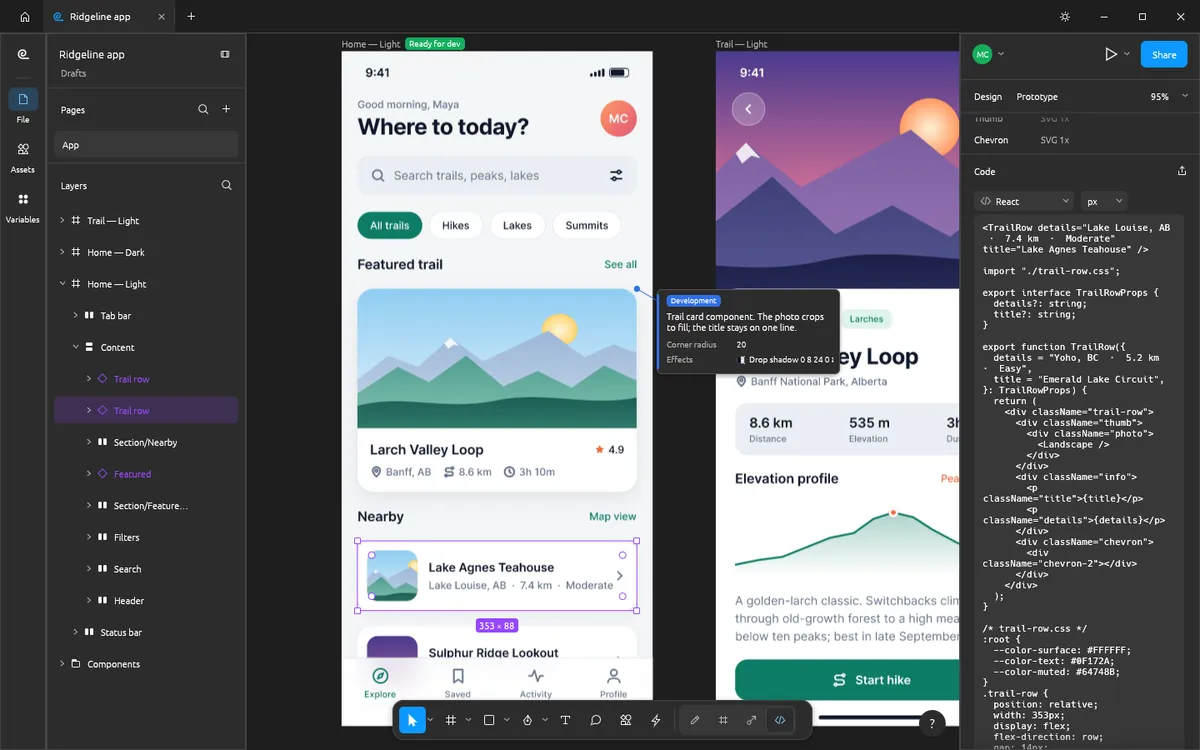
Linux designers have asked Figma for a desktop app for years. Figma staff said in March 2026 that Linux remained on their radar with no timeline, and the request is still open on the Figma forum. Unofficial community packages exist, but Figma does not support them.
Your options
| Option | How it runs on Linux | Open source | Offline | Notes |
|---|---|---|---|---|
| FigCraft | Native app; also in the browser | Yes (MIT or Apache-2.0) | Yes | Figma-like layout and shortcuts; alpha |
| Penpot | Browser (cloud or self-hosted) | Yes | No | Mature, team-ready |
| Lunacy (Icons8) | Native app | No | Yes | Free; built-in assets |
| Figma | Browser | No | No | The standard; no desktop app on Linux |
FigCraft on Linux
FigCraft is written in Rust and publishes Linux builds for x86_64,
aarch64 and riscv64: AppImage, .deb, .rpm, Flatpak and tarballs.
- AppImage:
chmod +x figcraft-*.AppImage, then run it. The AppImage also bundles the CLI:FigCraft.AppImage cli mcpstarts the MCP server. - Debian or Ubuntu:
sudo apt install ./figcraft-*.deb - Fedora:
sudo dnf install ./figcraft-*.rpm - Flatpak:
flatpak install --user figcraft-*.flatpak
The Linux builds are made on Ubuntu 22.04 and need glibc 2.35 or newer (Ubuntu 22.04, Debian 12, Fedora 36 or later); the riscv64 tarball needs glibc 2.39. Get every build from the download page, which links straight to the official GitHub release.
Which one should you pick?
- Solo work, offline, Figma muscle memory: FigCraft.
- A team that needs shared libraries and comments today: Penpot, or Figma in the browser.
- A free native app with icons and illustrations built in: Lunacy.
Compare in more depth: FigCraft vs Figma and FigCraft vs Penpot.
Try FigCraft first in your browser
Open FigCraft online in any Linux browser with WebGPU or WebGL2 — nothing to install — before you download the native app.
Questions people ask
Is there an official Figma app for Linux?
No. As of October 2026 Figma’s desktop app is for macOS and Windows only; on Linux you use Figma in the browser or unofficial community packages.
Which Figma alternative runs natively on Linux?
FigCraft ships native Linux builds (AppImage, .deb, .rpm, Flatpak and tarballs for x86_64, aarch64 and riscv64). Icons8 Lunacy also has a Linux app, but it is not open source.
Which option works offline on Linux?
FigCraft works fully offline with no account. Figma in the browser and Penpot need a connection to their servers.
Try FigCraft right now
The full editor runs in your browser. No install, no account.