
Templates
Free FigCraft templates
The official FigCraft example files — a mobile app, a design system, a prototype, a dashboard and effects — with what each one teaches. Free and open source (MIT or Apache-2.0), from FigCraft v0.6.0.
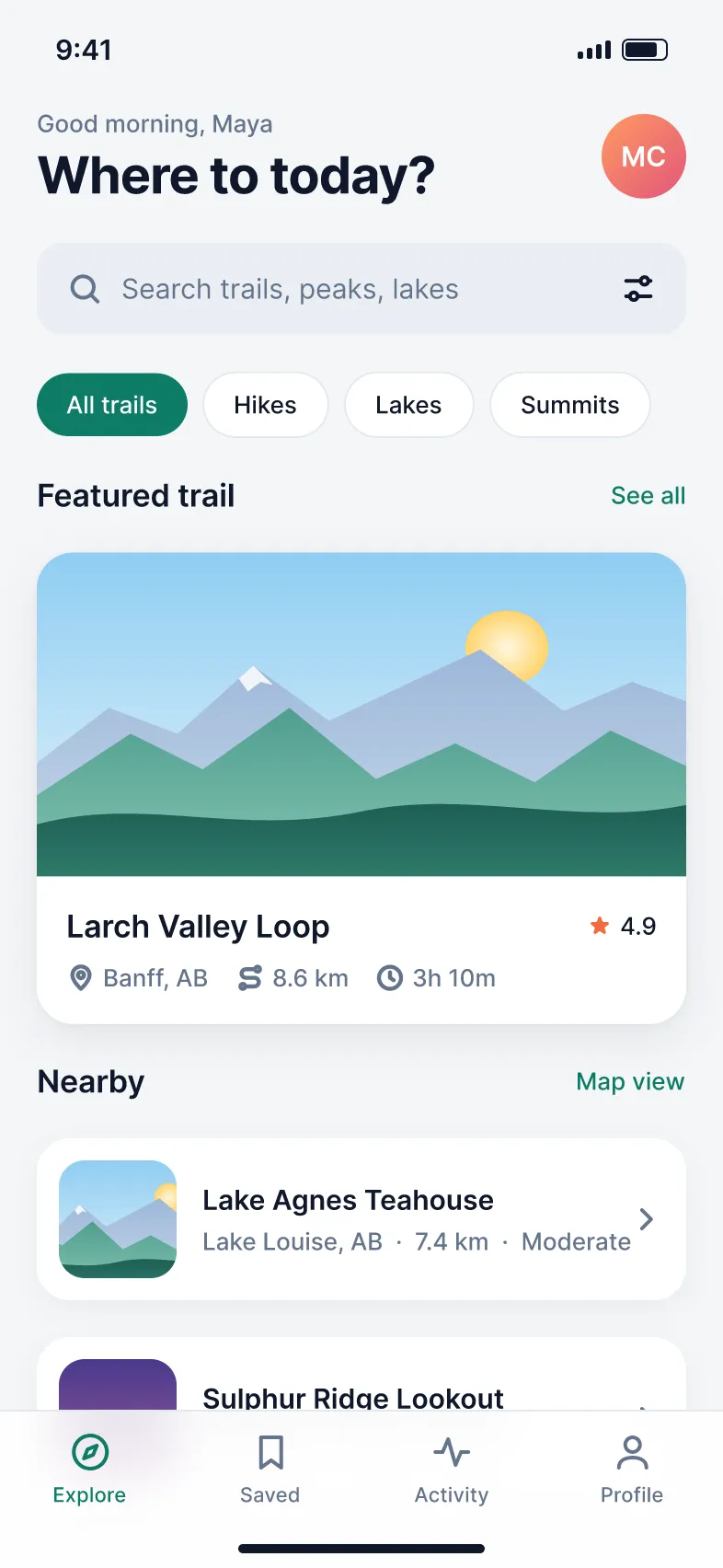
Mobile app
Ridgeline mobile app (light and dark)
A free FigCraft mobile app template: a hiking app with home and trail screens, built with auto layout and components, in Light and Dark modes.
View template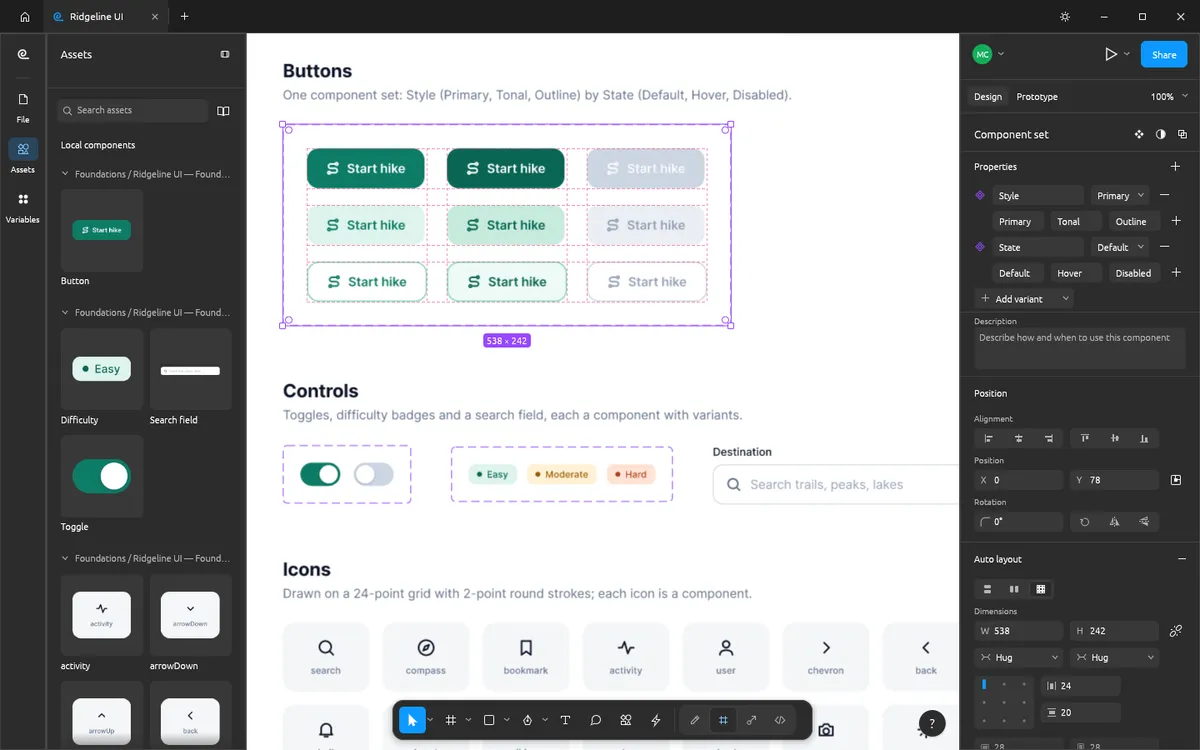
Design system
Ridgeline UI design system
A free FigCraft design system file: button, toggle, search field and icon components with variants, plus colour ramps where every swatch is a paint style.
View template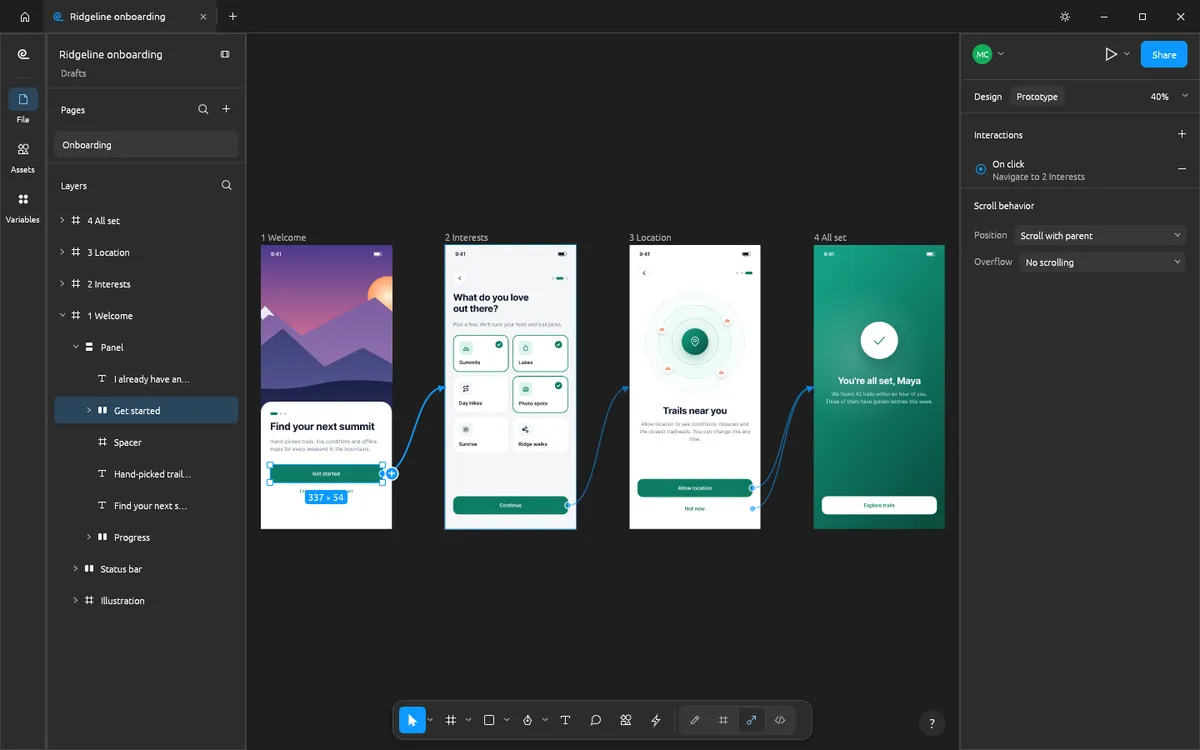
Prototype
Ridgeline onboarding prototype
A free FigCraft prototype template: four onboarding screens joined by prototype connections, transitions, back actions and a flow.
View template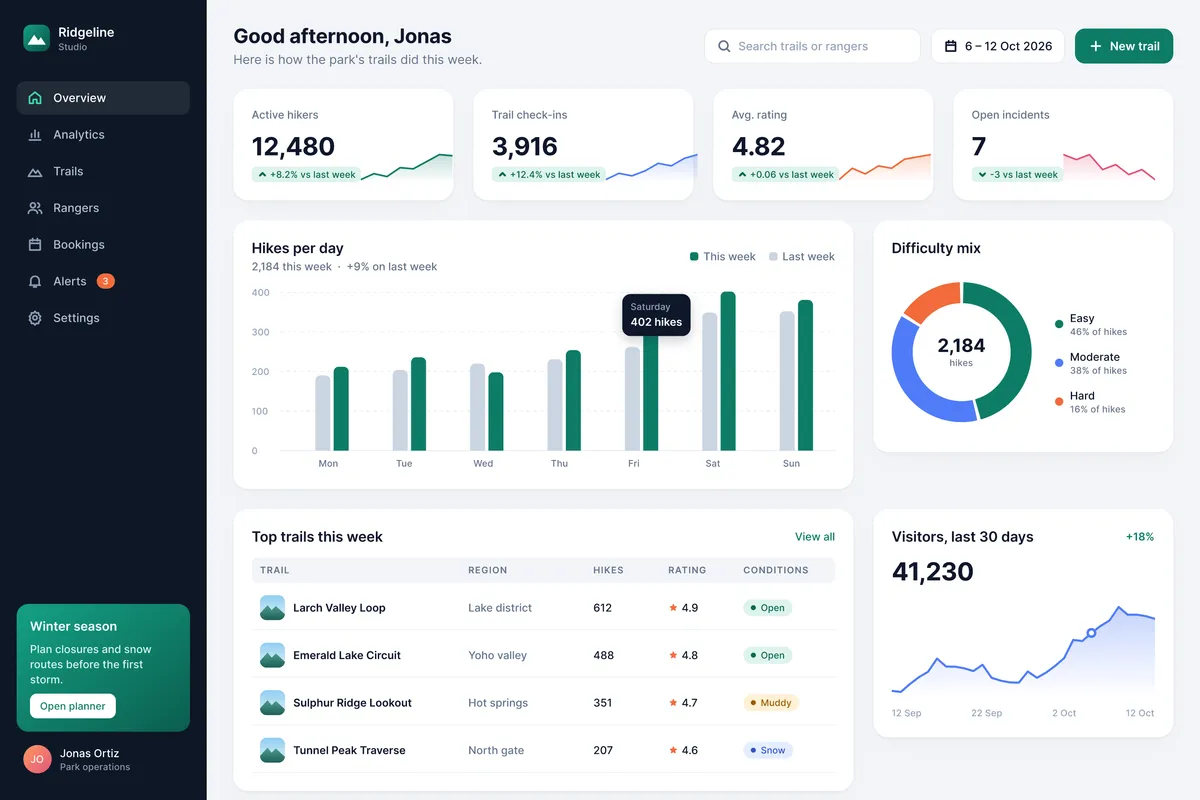
Dashboard
Ridgeline Studio analytics dashboard
A free FigCraft dashboard template: a desktop analytics dashboard on a 12-column grid with KPI cards, charts drawn from shapes, styles and a data table.
View template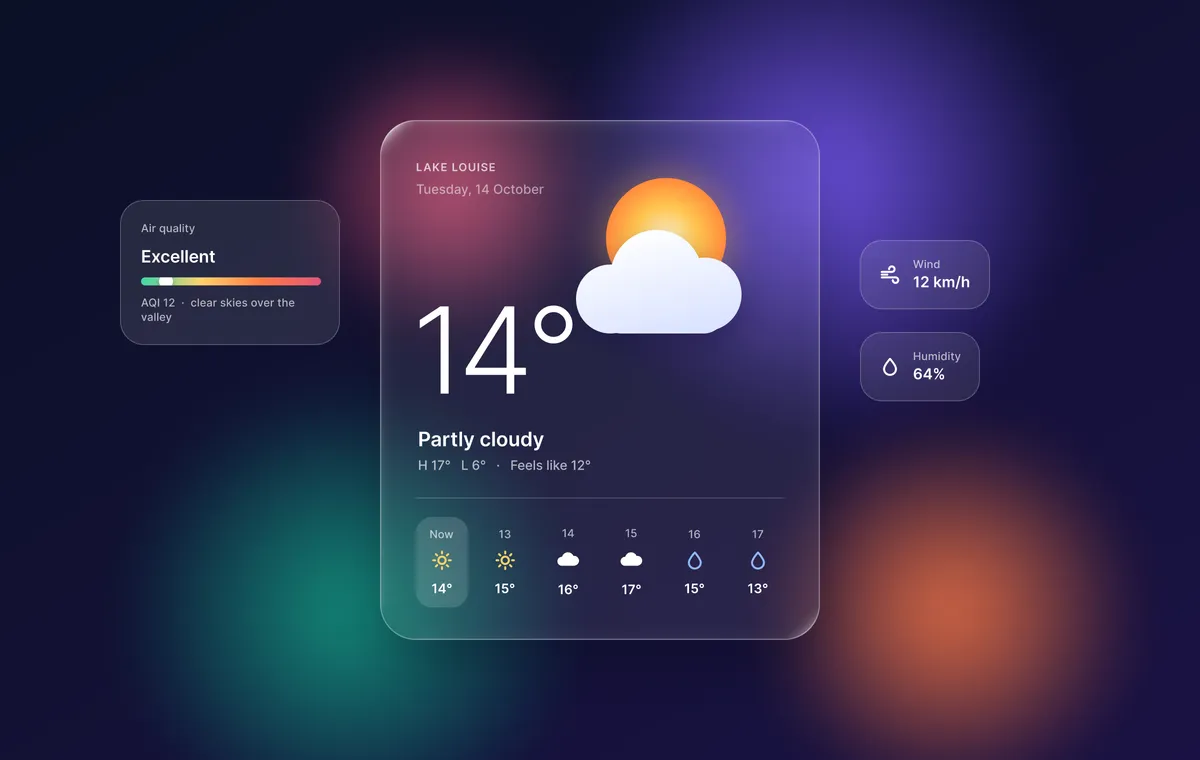
Effects & vectors
Glass weather widget and vector marks
A free FigCraft file of glass effects and vector work: a frosted weather widget with background blur, plus boolean marks, angular gradients and variable-width strokes.
View template
Built-in starter templates
Since FigCraft 0.6.0 the desktop app’s home screen has a Templates section with eight starter files (also under File ▸ New from template). They are a quick way to start without a blank canvas:
- Mobile app
- Landing page
- Dashboard
- Design system starter
- Wireframe kit
- Social post sizes
- Presentation slides
- Icon set starter
Download FigCraft to use them; the web version starts with one blank document.
Template questions
Are these FigCraft templates free?
Yes. They are the official example files from the FigCraft repository, released under the MIT or Apache-2.0 licence like FigCraft itself.
How do I open a .figcraft template?
Download the file and open it in the FigCraft desktop app (File ▸ Open, or drag it onto the window). The web version on this site starts with one blank document and cannot open files yet.
Does FigCraft have built-in templates?
Yes. Since version 0.6.0 the desktop app’s home screen has a Templates section with eight starter files: a mobile app, a landing page, a dashboard, a design system starter, a wireframe kit, social post sizes, presentation slides and an icon set starter.