
Effects & vectors · .figcraft file
Glass weather widget and vector marks
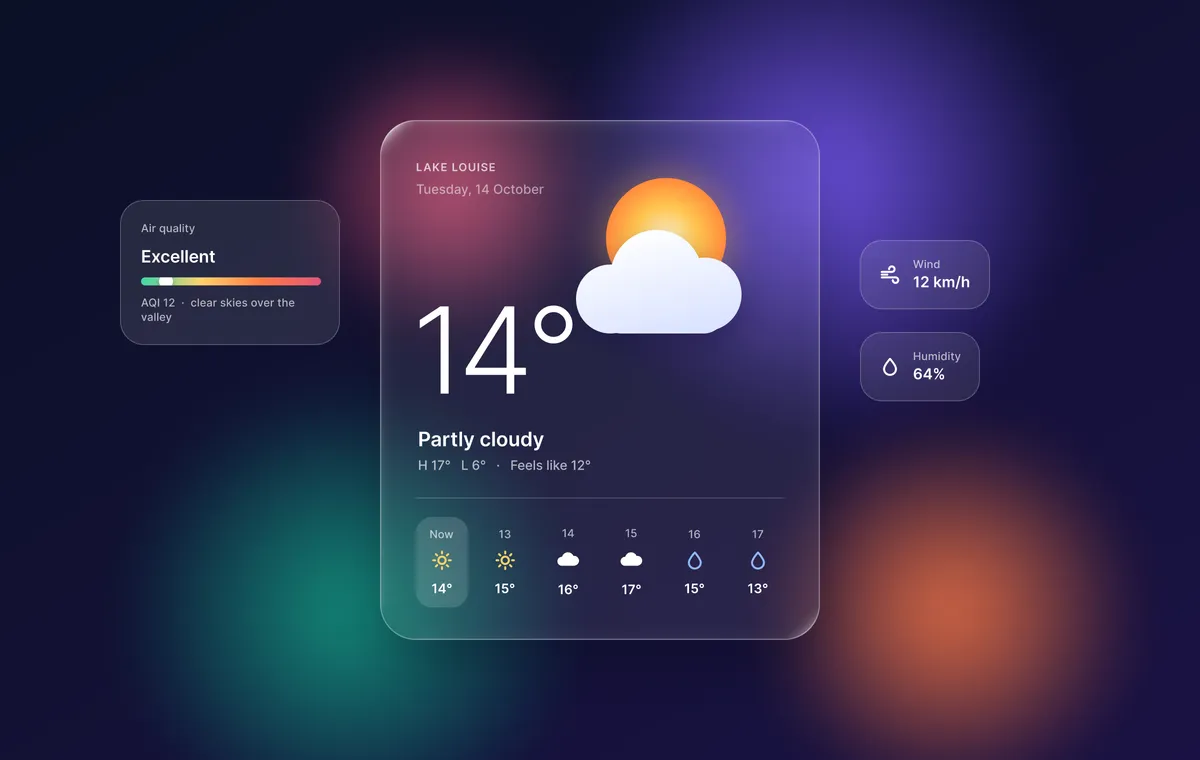
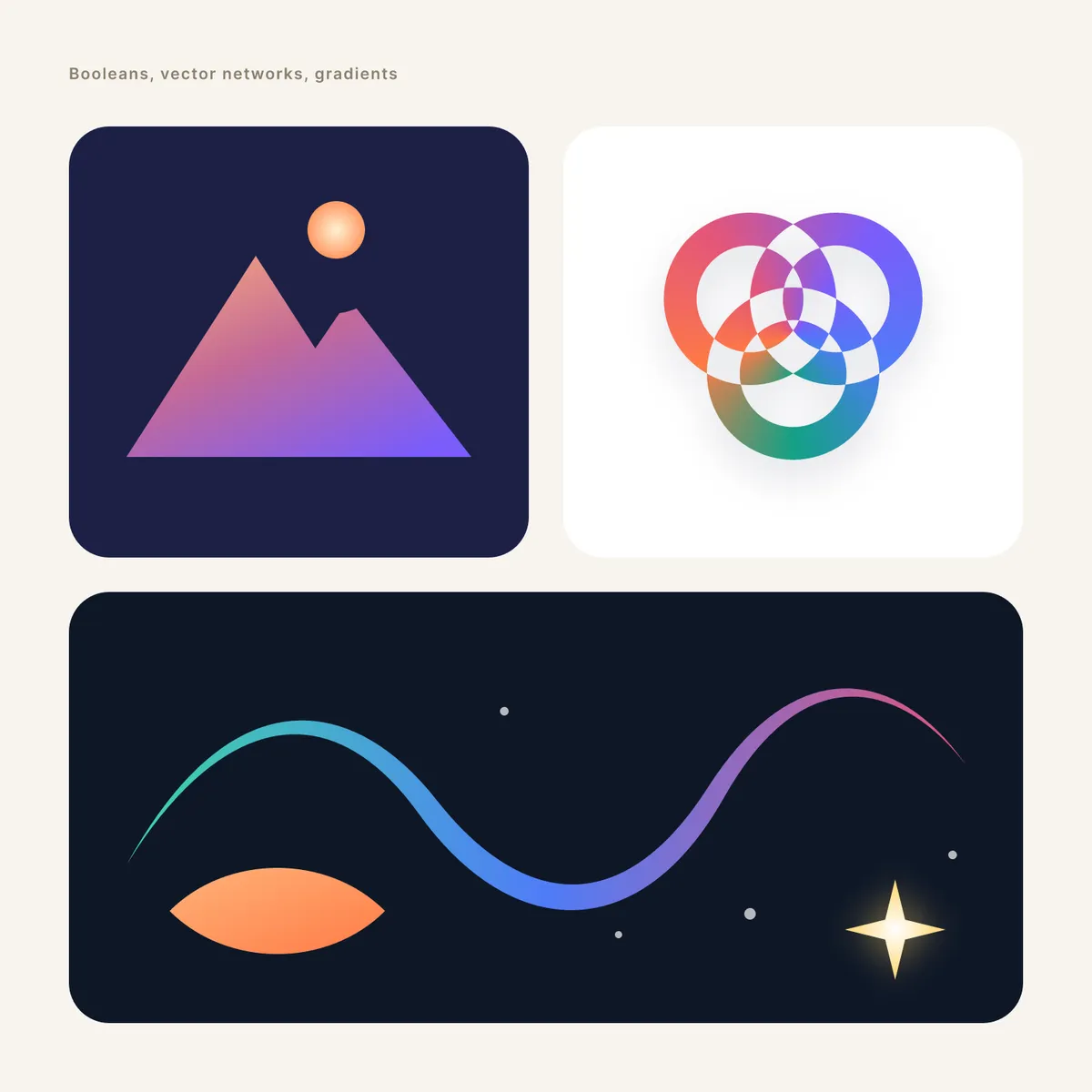
A free FigCraft file of glass effects and vector work: a frosted weather widget with background blur, plus boolean marks, angular gradients and variable-width strokes.
Design and images: FigCraft contributors, MIT OR Apache-2.0 — official example file from FigCraft v0.6.0.
What’s in this file
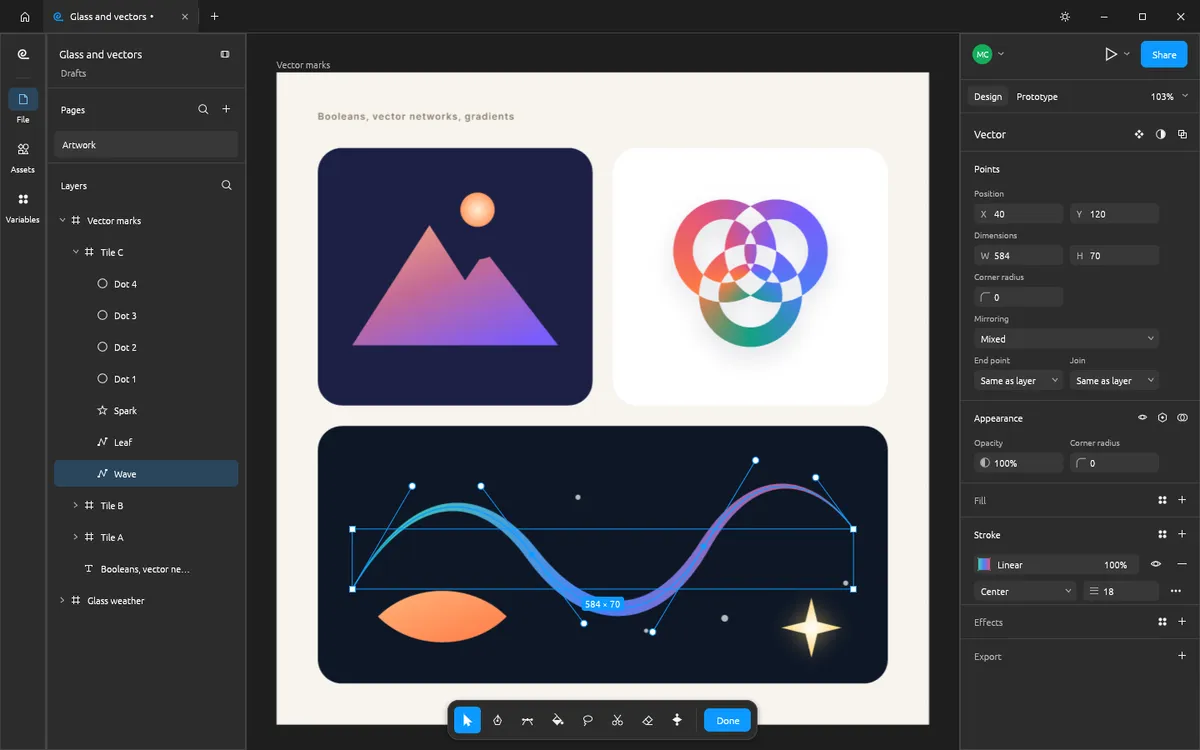
This file shows FigCraft’s rendering and vector tools. A glass weather widget sits over blurred colour fields, and three vector marks use union, subtract and exclude booleans, an angular gradient and a tapered variable-width stroke.
- A frosted glass weather card with background blur over layer-blurred colour fields
- A cloud made with a boolean union
- A mountain mark from unioned peaks minus a sun, and a knot of excluded rings
- A tapered gradient wave with a variable-width stroke
How to open it
- Download glass-and-vectors.figcraft from the official FigCraft repository.
- Install the free FigCraft desktop app for Windows, macOS, Linux or FreeBSD.
- Open the file with File ▸ Open, or drag it onto the FigCraft window.
The web version on this site starts with one blank document and cannot open files yet — it is great for trying the tools by hand.