
Dashboard · .figcraft file
Ridgeline Studio analytics dashboard
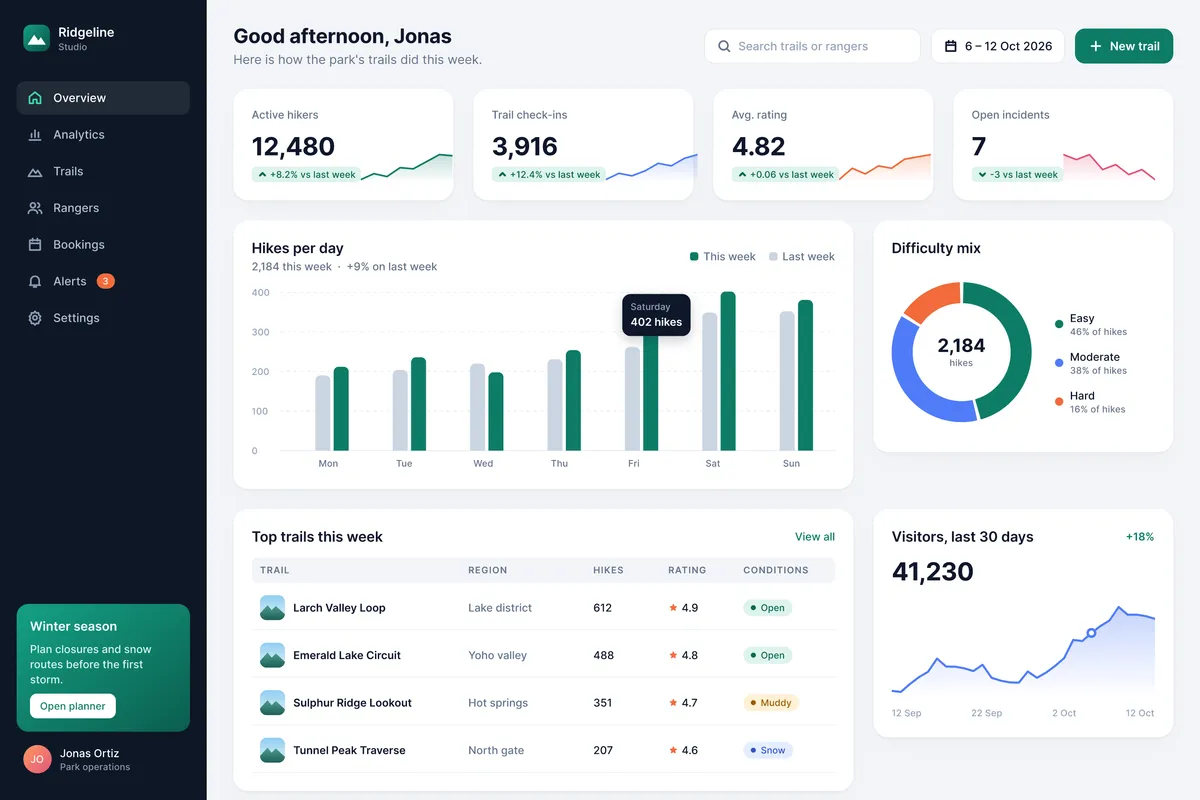
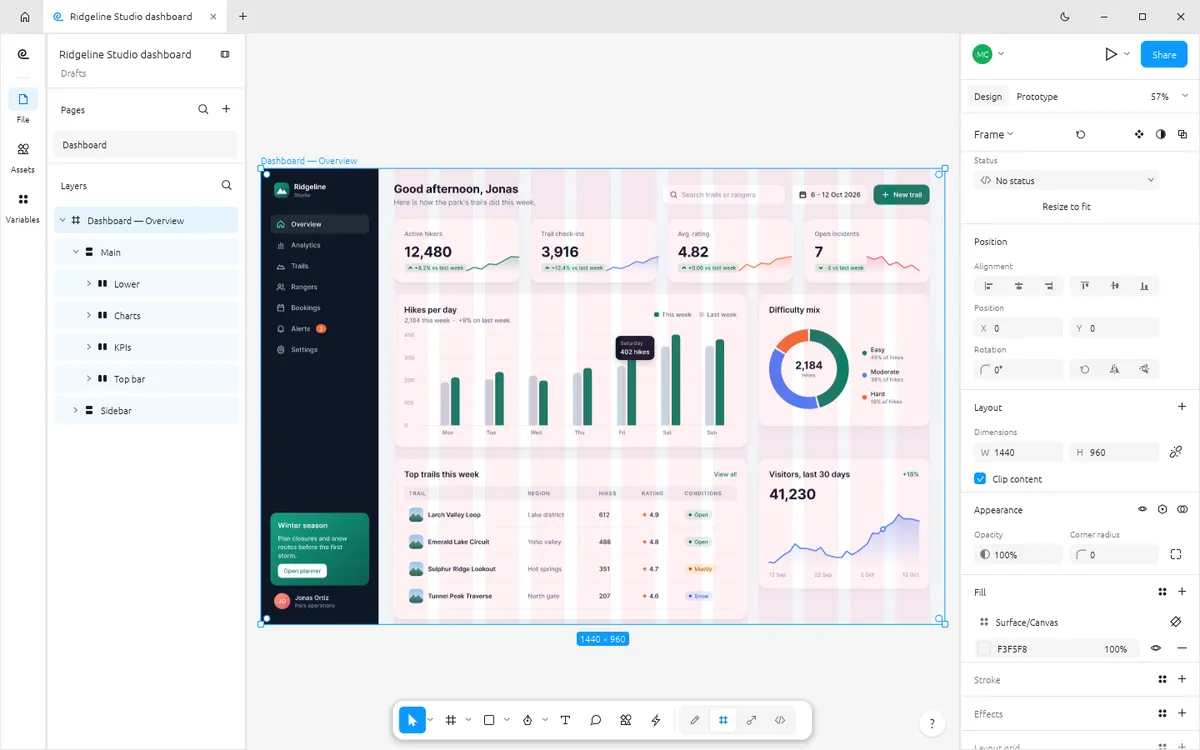
A free FigCraft dashboard template: a desktop analytics dashboard on a 12-column grid with KPI cards, charts drawn from shapes, styles and a data table.
Design and images: FigCraft contributors, MIT OR Apache-2.0 — official example file from FigCraft v0.6.0.
What’s in this file
Ridgeline Studio is a web analytics dashboard for a fictional trail operator. It is laid out on a 12-column layout grid with paint, text, effect and grid styles, and every chart — sparklines, grouped bars, a donut and an area chart — is drawn from shapes and vectors.
- Dark sidebar navigation and KPI cards with sparklines
- Grouped bar chart with a tooltip, donut chart and area chart
- Table of top trails
- Shown in both FigCraft UI themes in the official screenshots
How to open it
- Download ridgeline-studio-dashboard.figcraft from the official FigCraft repository.
- Install the free FigCraft desktop app for Windows, macOS, Linux or FreeBSD.
- Open the file with File ▸ Open, or drag it onto the FigCraft window.
The web version on this site starts with one blank document and cannot open files yet — it is great for trying the tools by hand.