
Mobile app · .figcraft file
Ridgeline mobile app (light and dark)
A free FigCraft mobile app template: a hiking app with home and trail screens, built with auto layout and components, in Light and Dark modes.
Design and images: FigCraft contributors, MIT OR Apache-2.0 — official example file from FigCraft v0.6.0.
What’s in this file
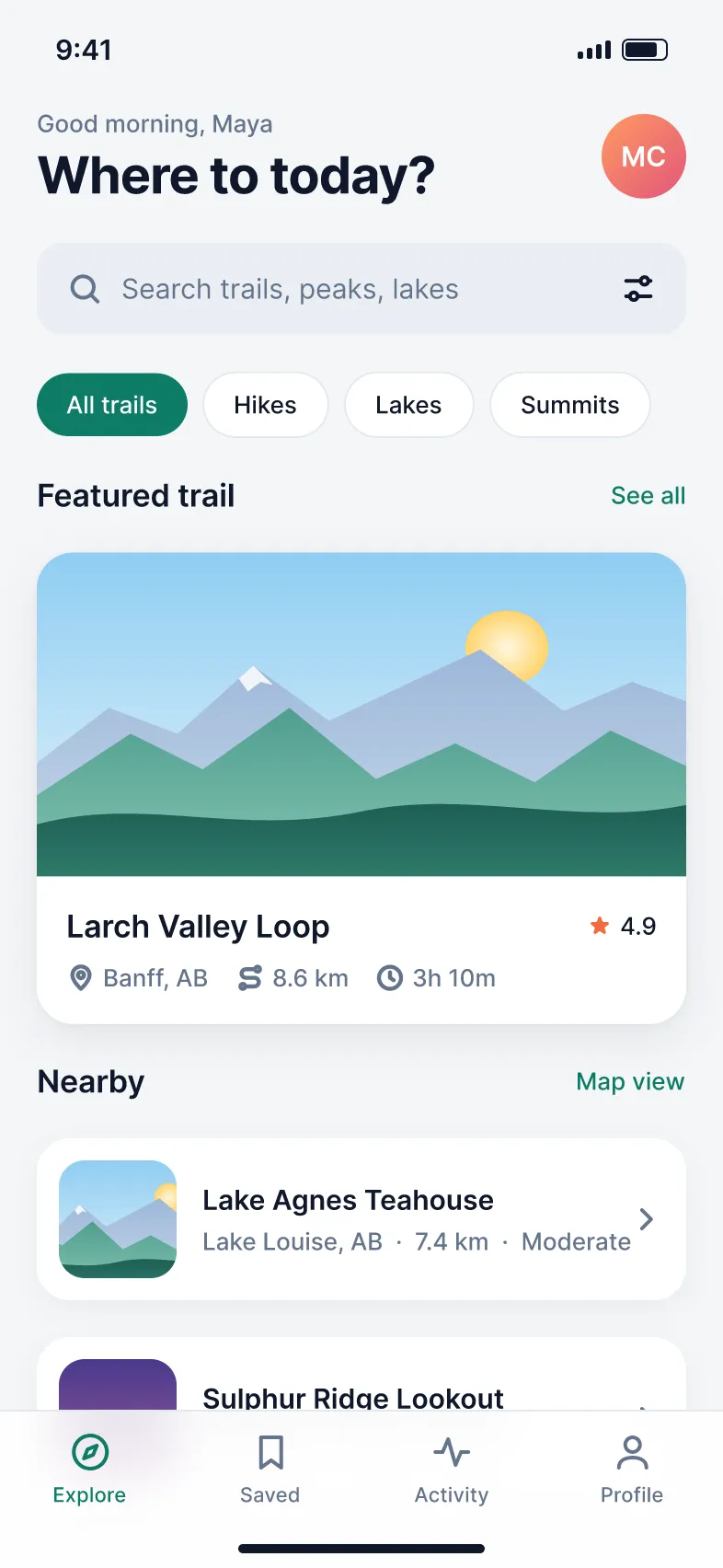
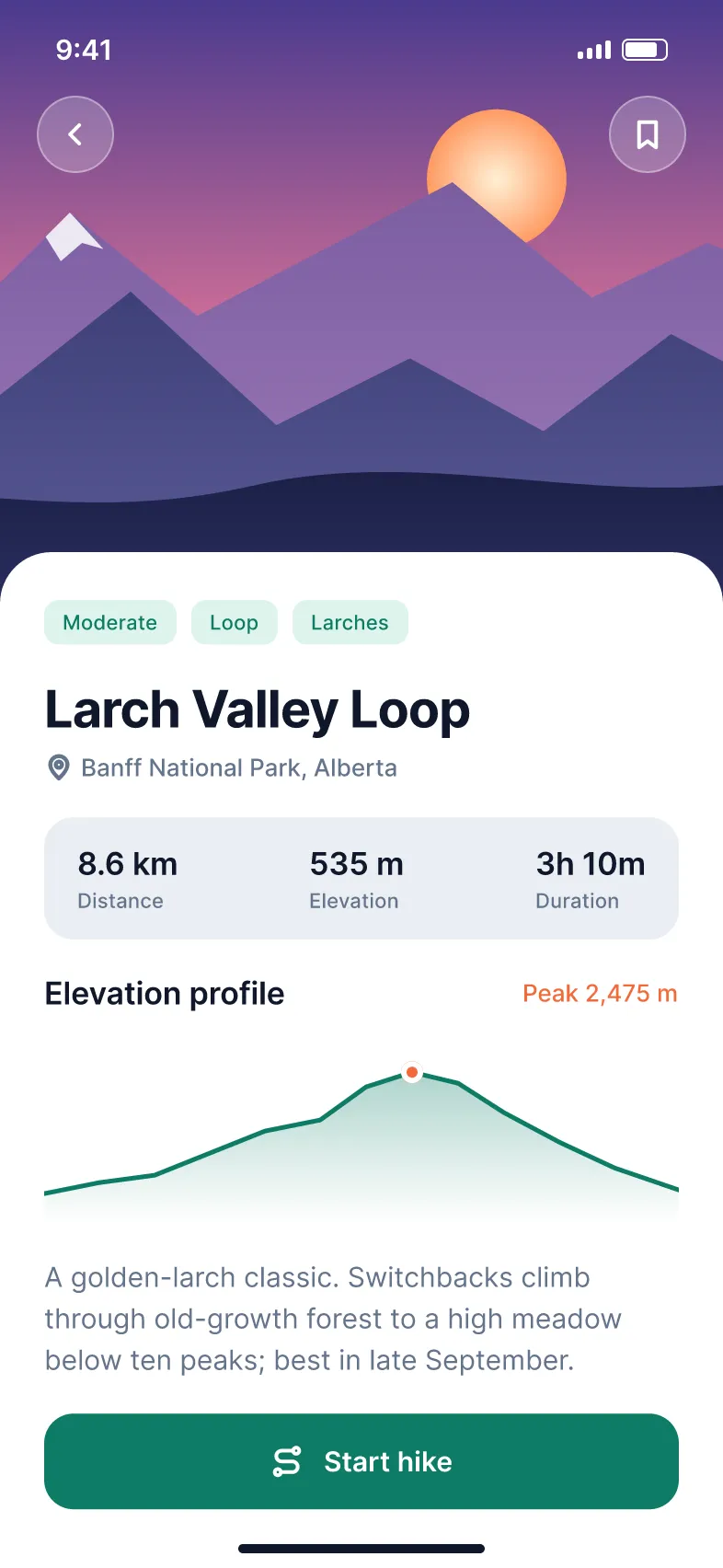
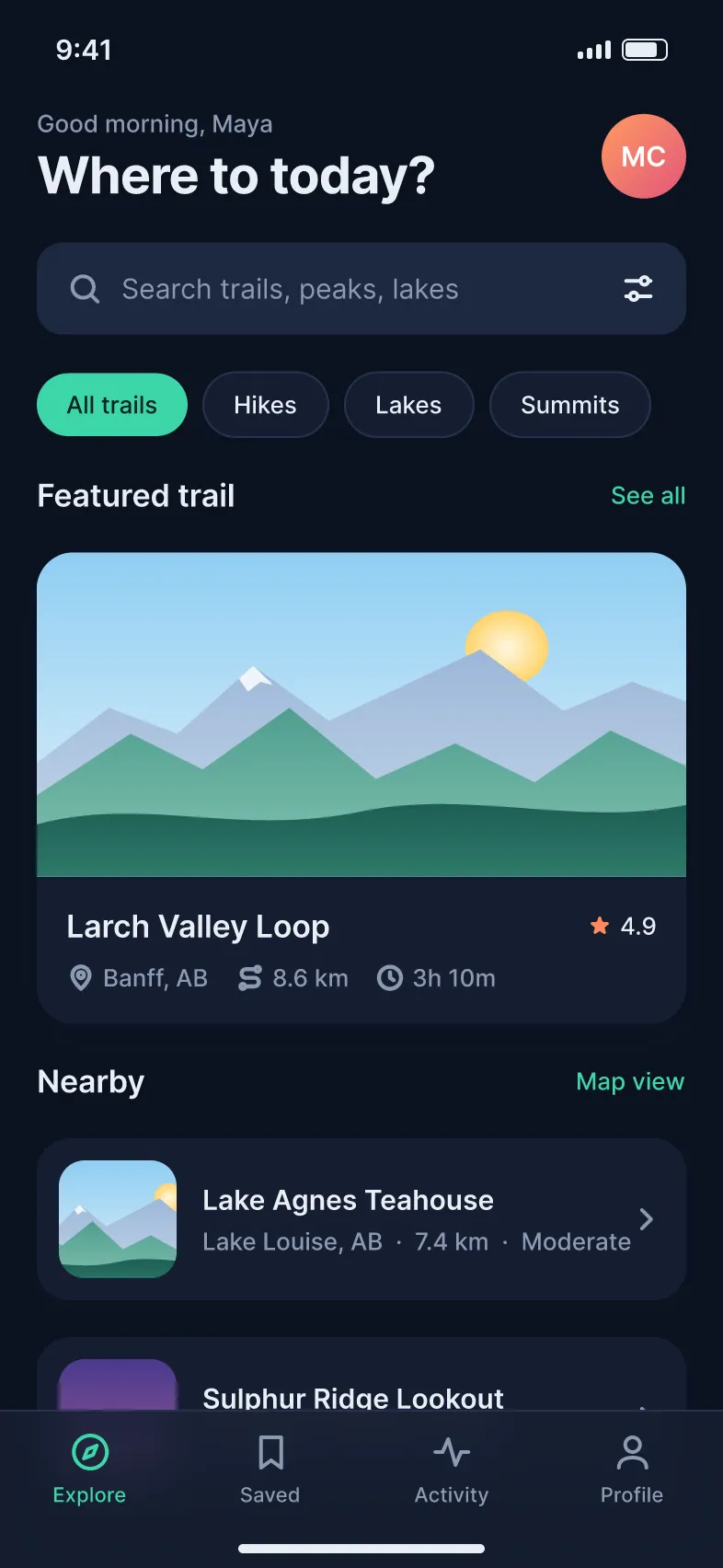
Ridgeline is a fictional hiking app. The file holds phone screens — Home in light mode, a trail detail page and Home in dark mode — built from components with auto layout. The light and dark versions come from one set of colour variables, switched by a Theme collection mode.
- Home screen with greeting, search field, filter chips, a featured trail card and a list of nearby trails
- Trail detail screen with an illustrated header, difficulty tags, distance, elevation and duration stats and an elevation chart
- The same Home frame in Dark mode, from the Theme variable collection
- A Ready for dev status and a Dev Mode annotation on the home screen
How to open it
- Download ridgeline-app.figcraft from the official FigCraft repository.
- Install the free FigCraft desktop app for Windows, macOS, Linux or FreeBSD.
- Open the file with File ▸ Open, or drag it onto the FigCraft window.
The web version on this site starts with one blank document and cannot open files yet — it is great for trying the tools by hand.