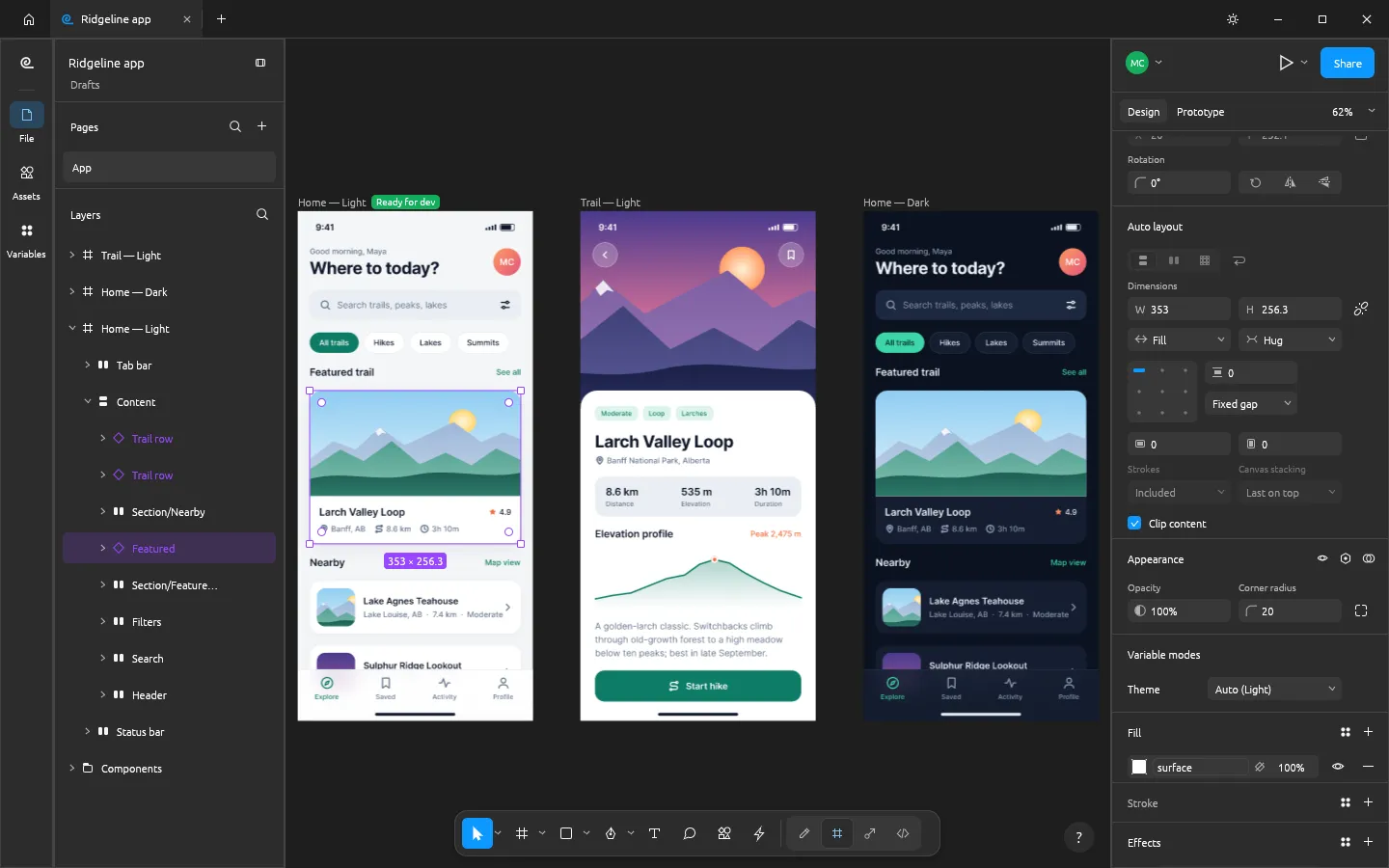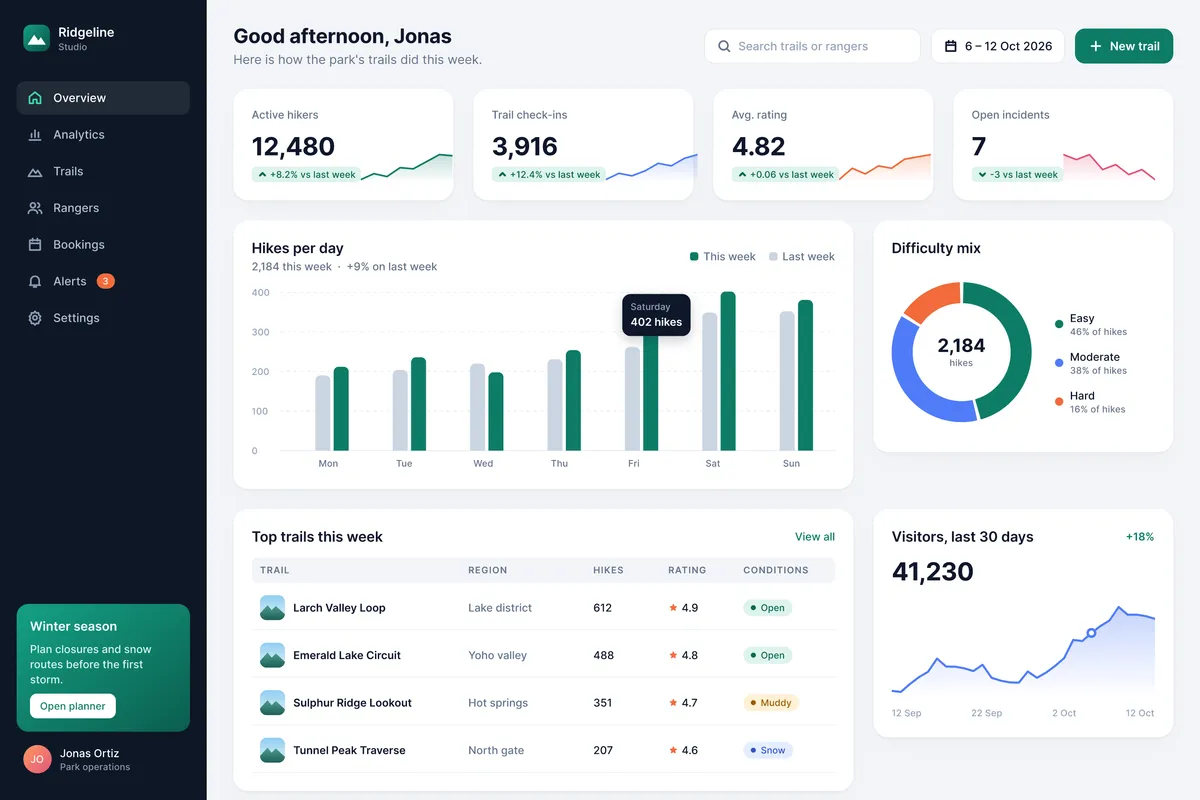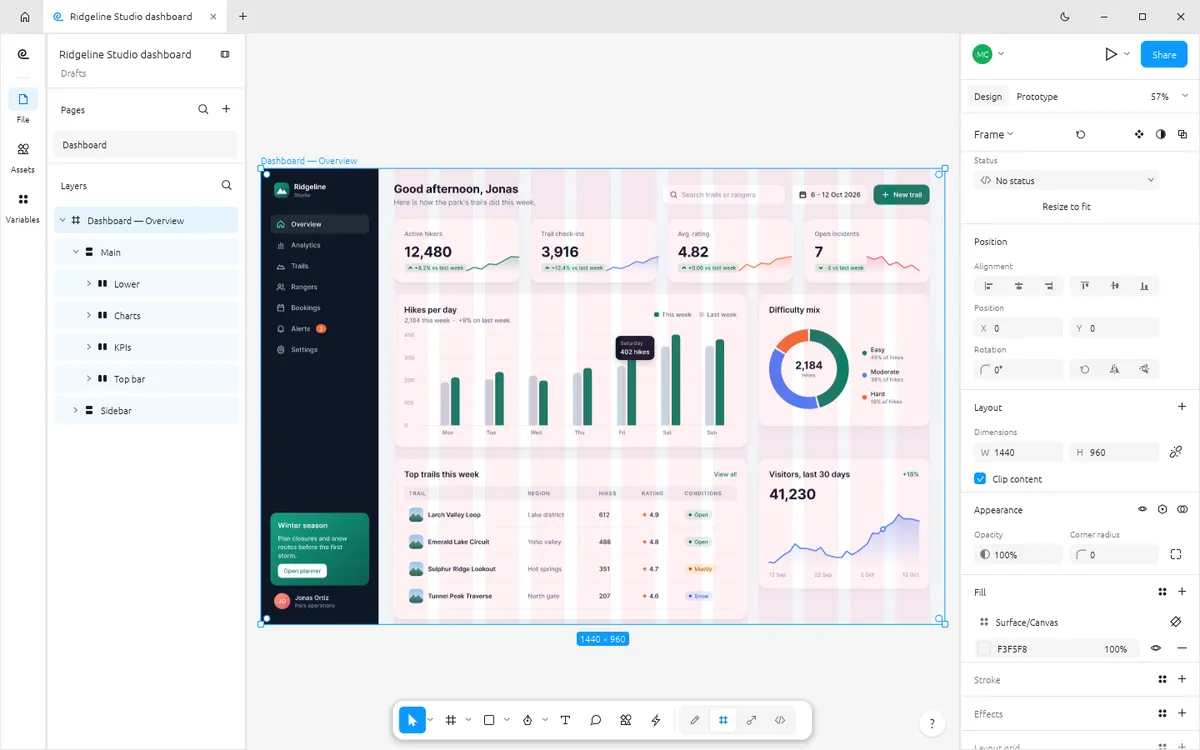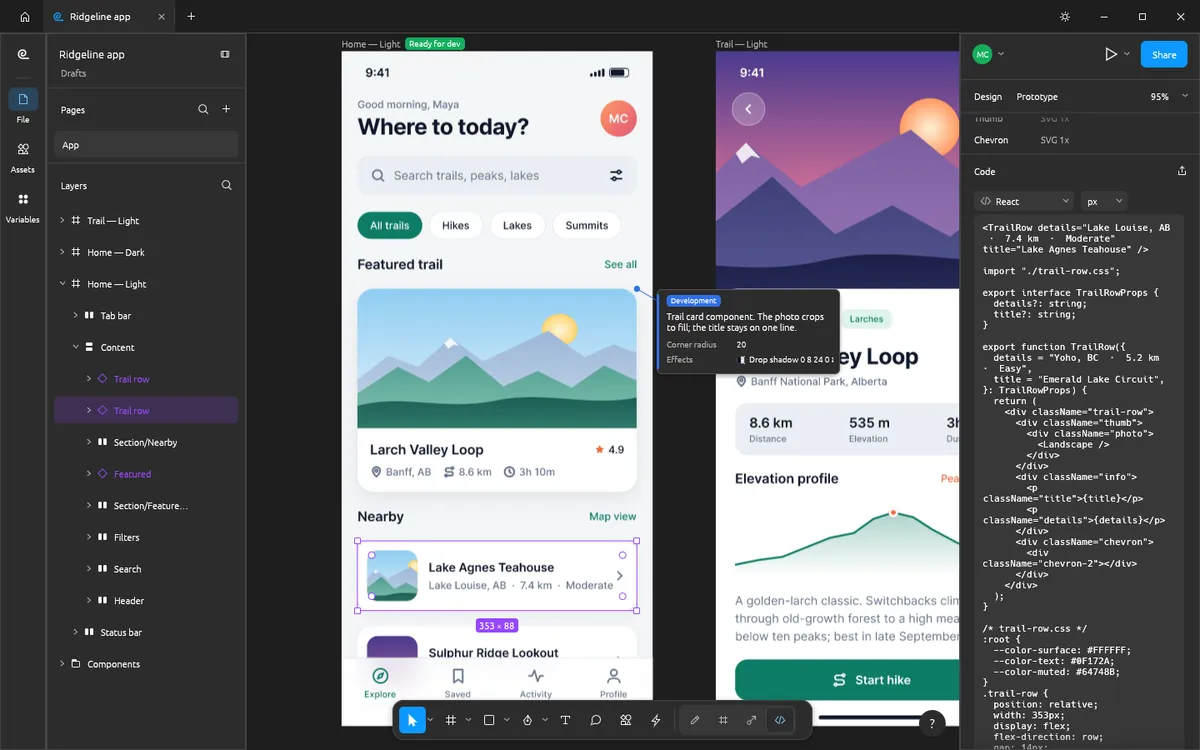
Sketch defined modern UI design on the Mac. If you are not on a Mac, or you do not want a subscription, FigCraft is one of the few free, native alternatives. It is modelled on Figma rather than Sketch, so the layout and shortcuts follow Figma's conventions.
At a glance
| FigCraft | Sketch | |
|---|---|---|
| Price | Free (MIT or Apache-2.0) | Standard $12/editor/mo, Professional $24, Enterprise $44 (billed yearly); Mac-only licence $120 one-time |
| Editor runs on | Windows, macOS, Linux, FreeBSD, browser | Mac (web app with paid plans) |
| Account | None | Required for subscriptions |
| Files | .figcraft on your disk; .fig best effort; SVG, PDF, images | .sketch, local or in a Sketch workspace |
| Components and auto layout | Yes | Yes (symbols, stacks) |
| Prototyping | Yes | Yes |
| Collaboration | Preview | Web app and workspaces |
| AI agents | MCP server and CLI | — |
| Maturity | Alpha | Mature |
Sketch prices are from sketch.com/pricing, checked on 2026-10-16. FigCraft facts follow its v0.6.0 README.
Choose FigCraft if…
- You work on Windows or Linux and want a native design app.
- You want no subscription and no account, with files on your own disk.
- You already know Figma shortcuts and panels.
- You want to drive a design tool from scripts or an AI agent over MCP.
Stay with Sketch if…
- Your team already works in Sketch workspaces and libraries.
- You depend on
.sketchfiles or Sketch plugins. - You need mature, production-ready software today.
Moving assets from Sketch
FigCraft does not list .sketch among the formats it opens. To bring work
over, export SVG (editable vectors in FigCraft) or PDF from Sketch and
open them in the FigCraft desktop app. For Figma files, see
how to open Figma files in FigCraft.
Try it
Open FigCraft online — no install — or browse the free FigCraft templates to see finished designs.
Questions people ask
Does Sketch run on Windows or Linux?
The Sketch editor is a native Mac app. Paid plans add a web app that runs in any browser, and there are iPhone and iPad apps for viewing designs and playing prototypes.
Can FigCraft open Sketch files?
FigCraft’s file format notes cover its own .figcraft files, Figma’s .fig (best effort), Figma REST API JSON, SVG, PDF and images. They do not list .sketch, so export SVGs or PDFs from Sketch to move assets.
Is FigCraft free?
Yes. FigCraft is free, open-source software under the MIT or Apache-2.0 licence, with no account and no subscription.
Try FigCraft right now
The full editor runs in your browser. No install, no account.